

Sizing Issue
Hi, I've written a website for a small local museum. It all works pretty well, but the popups behave differently on these two pages:
https://eastsurreymuseum.com/history-of-esm/
https://eastsurreymuseum.com/recent-acquisitions/
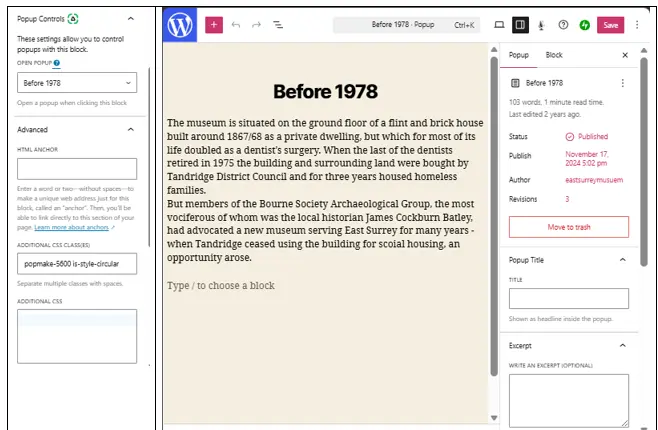
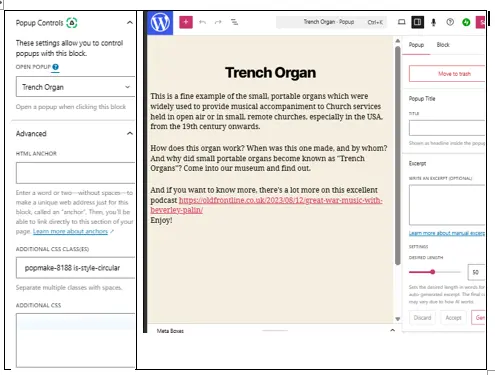
If you click on "Our building 1867-1978" in the former, you'll see a rectangular popup, which only covers a small part of its parent screen, but f you click on "Trench Organ" in the latter, the popup covers the whole page.
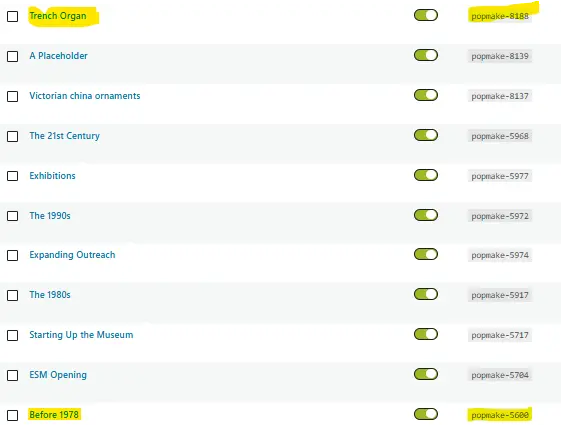
I can't see why - please see the attached screen grabs - and I can't find a way of changing the popup sizes.
Any ideas?

Hi Garry Brooks, we responded to your Facebook post about this, but just in case, here's our response 🙏:
Hi Garry, thanks for the post! We checked both popups and it looks like the second popup uses a different popup theme. It's covering the whole page because the theme has an overlay.
To fix this, please use the popup theme used by the first popup. You can change this in your popup settings > Display > Appearance.
Let us know how it goes. 

@kimleong Thanks for this but I can't see how I can change the popup's themes - I can't find the "Settings" you refer to - please see the short video at Popup issue 24th June 2026.mp4
I have found a workaround: having change the default theme for popups (to "Floating Bar - Soft Blue"), I created a new popup called "Kiddiclock" which works as I want it to. It would, however, be good to know how to change the theme of existing popups rather than have to create a new set!

Hi Garry Brooks
You can change the popup theme from the 'Popup Settings' below your popup content. Here's a quick demo: https://share.zight.com/mXuLobQA
After making the change, make sure to clear all your caches to fix any possible caching issues. Here's a helpful guide: https://wordpress.org/documentation/article/faq-i-make-changes-and-nothing-happens/
We hope this helps! Let us know if you have other questions.
Thanks Jamie.
The penny just dropped, I couldn't see "Popup Settings" as I have to drag a "handle" upwards to see them, and the handle is not obvious at all in Edge; it showed up rather better on another browser.
Hi Garry Brooks
Thanks for the update! We're glad you were able to find the Popup Settings and make the changes. 😊
We appreciate your feedback about the handle being hard to notice in Edge. We'll keep this in mind as we continue improving the user experience. 🙏🏻
Feel free to reach out if you have other questions.