

Frequently Asked Questions
Do Gutenberg popups require Popup Maker Pro?
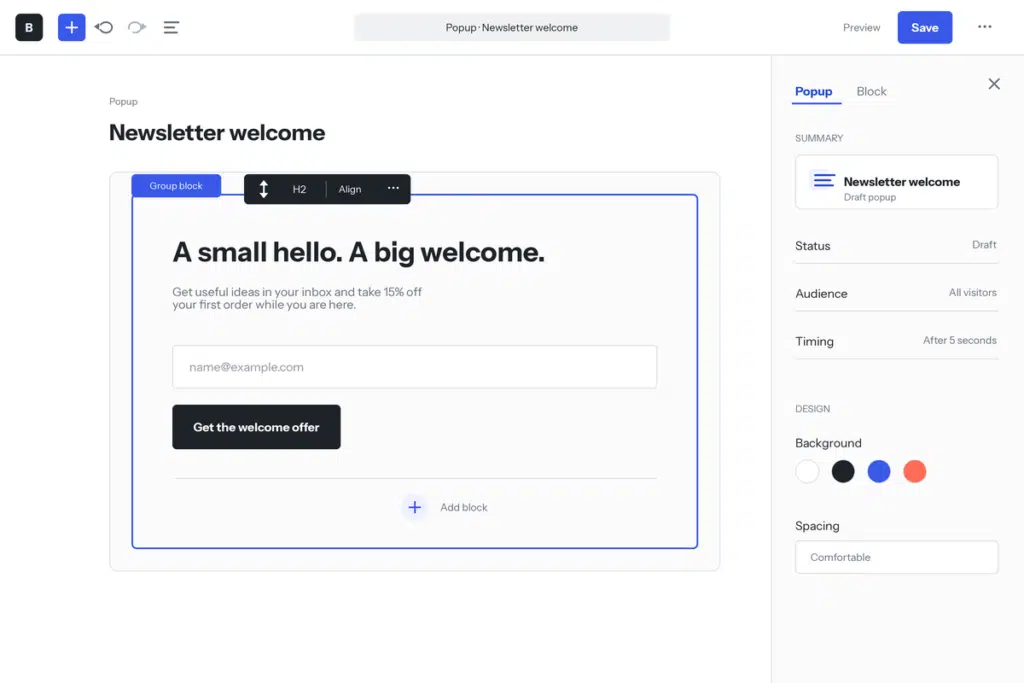
No. Editing popup content with the WordPress Block Editor is available in the free Popup Maker plugin. Paid plans add other campaign, targeting, and analytics capabilities; they are not required to use blocks for popup content.
Do I need to install the Gutenberg plugin?
No. The Block Editor is included in WordPress. The separate Gutenberg plugin is mainly a way to try newer editor features before they arrive in WordPress core, so it is not required for this integration.
Can I use blocks from other plugins inside a popup?
You can use compatible blocks available in the popup editor. Because third-party blocks can have their own requirements, test each important block in the finished popup before launch.
Can I reuse a popup layout with block patterns?
Yes. Use an unsynced pattern when you want a starting layout that can change independently in each popup. Use a synced pattern when the same shared content should update everywhere it is used. Review the listed changes before saving a synced pattern, because the edit affects every connected location.
Can a WordPress block open a Popup Maker popup?
Yes, for supported blocks. Select the block, open Popup Controls, and choose the popup that should open when visitors click it. Popup Maker notes that this method does not suit every block type, so verify the interaction on the frontend.
Can linked text open a popup?
Yes. Select text in a RichText-enabled block, choose Popup Trigger from the block toolbar, and select the popup to open. This is useful for inline offers, definitions, signup prompts, and other contextual calls to action.
What does the Block Editor control, and what does Popup Maker control?
The Block Editor controls the content and layout inside the popup. Popup Maker controls the popup container, theme, close button, triggers, targeting rules, cookies, position, size, and the campaign features available on your plan.