

Frequently Asked Questions
Does the Elementor page-builder integration require Popup Maker Pro?
No. The Elementor page-builder integration is included in Popup Maker’s free core plugin. Elementor Pro Forms submission actions are a separate integration with their own feature tiers.
Can I design the actual popup directly in Elementor?
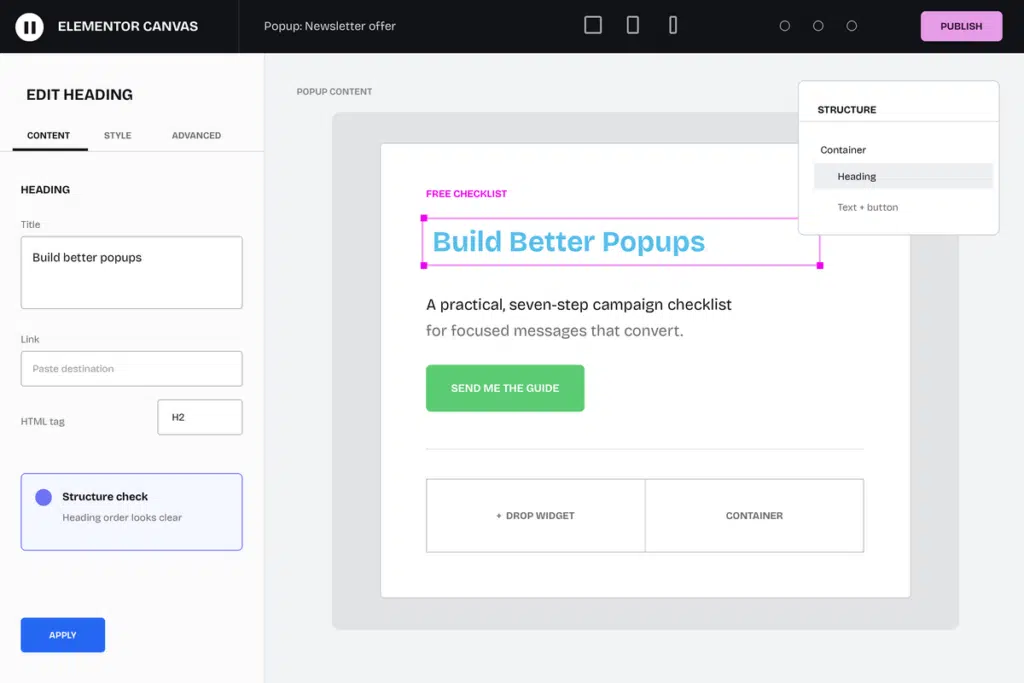
Yes. Save a Popup Maker popup, open it with Elementor, and build the popup document with Elementor containers and widgets instead of maintaining the design in a separate editor.
Does Elementor's preview show the Popup Maker frame?
Yes. For Popup Maker popup documents, Elementor’s preview action opens Popup Maker’s real-page preview so you can review the builder content inside the selected popup theme and presentation.
Can I use responsive controls, saved templates, and site styles in a popup?
Use the Elementor controls and saved content available to your editor and plan. Adapt page-sized templates, spacing, widths, and visibility for the smaller popup frame, then test the finished campaign at its actual desktop and mobile widths.
Can an Elementor button open a Popup Maker popup?
Yes. Give the Elementor Button an ID or CSS class, then use that selector with Popup Maker’s Click Open trigger. Test the click on the finished frontend page.
Can I use third-party widgets or newer Elementor editor features in a popup?
Elementor add-ons and newer editor features can load their own scripts, styles, or plan-specific controls. Test every important interactive element after the popup opens on the frontend page where visitors will use it.
Are Elementor Pro Forms submission features included on this page?
No. This page covers Elementor as the visual editor for popup content. Use the separate Elementor Pro Forms integration page for its form-submission behavior and feature tiers.