

Frequently Asked Questions
Does the Beaver Builder integration require Popup Maker Pro?
No. The page-builder integration and Popup Maker’s standard Click Open and Auto Open triggers are available in the free Popup Maker plugin. Beaver Builder is a separate product with its own free and paid feature availability, and premium Popup Maker campaign features remain optional.
Can I design a Popup Maker popup directly in Beaver Builder?
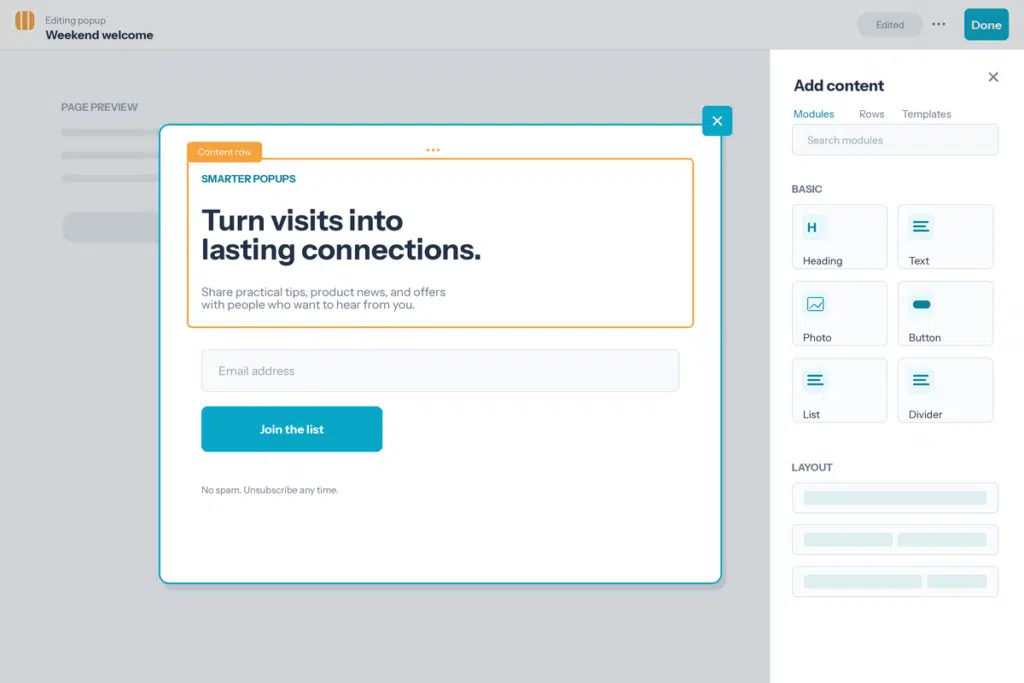
Yes. Create and save the popup in WordPress, open the Beaver Builder tab, and design its inner content with Beaver Builder rows, columns, and modules. Configure the surrounding frame and campaign behavior in Popup Maker.
Can a Beaver Builder button open a Popup Maker popup?
Yes. Popup Maker adds an Open Popup click action to Beaver Builder’s Button module. Beaver Builder’s own integration documentation also explains how supported module link fields can select and open a popup.
Do Beaver Builder responsive controls work in popups?
Yes. Use Beaver Builder’s Responsive Editing mode and per-device controls to refine the popup layout. Then test the finished campaign at its real Popup Maker width on desktop and mobile, especially when it includes columns or interactive modules.
Which Beaver Builder reusable content should I use in a popup?
Use a Template when the popup needs an independent starting point, a Global when every placement should stay synchronized, or a Component when your Beaver Builder setup provides it and you want controlled variations. Check every shared placement before changing or deleting reusable content.
What does Popup Maker control when Beaver Builder designs the content?
Beaver Builder controls the content layout, modules, and responsive design. Popup Maker controls the surrounding theme, overlay, close button, size, position, opening triggers, targeting conditions, cookies, and any analytics available in your Popup Maker plan.
Are Beaver Builder form-submission actions covered by this integration?
This page covers using Beaver Builder to design and open Popup Maker campaigns. Beaver Builder Forms has a separate integration page for supported form-submission actions and conversion tracking.