

Frequently Asked Questions
Does Popup Maker work with Etch?
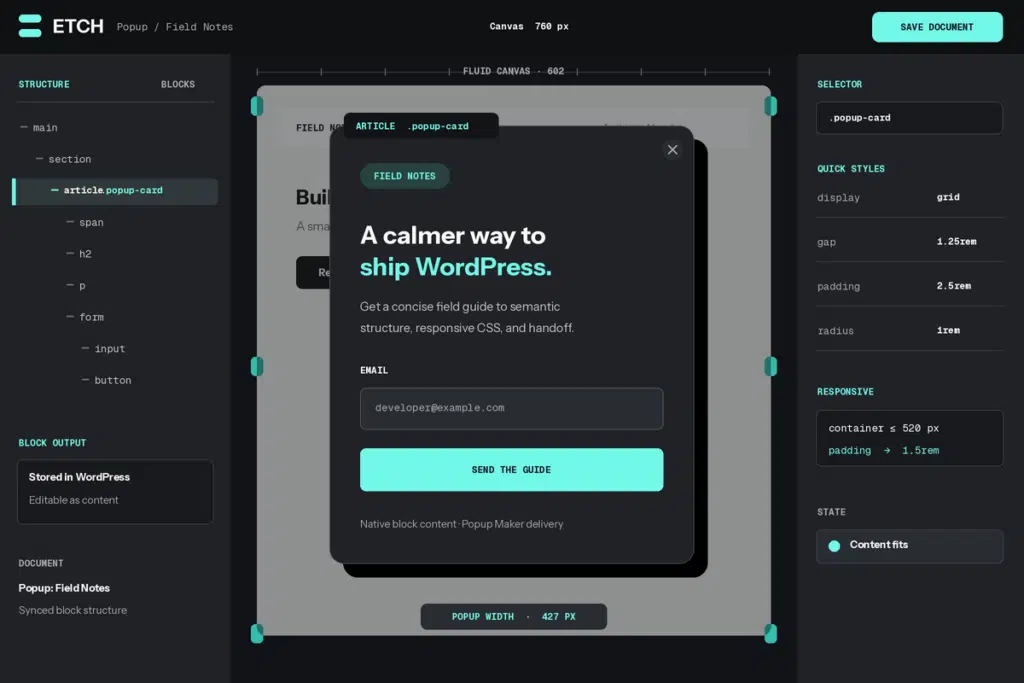
Yes. An eligible administrator can open a saved Popup Maker campaign directly in Etch and design its content as an Etch document.
Does the integration require Popup Maker Pro?
No. Direct Etch editing is included in Popup Maker’s free core. Etch is a separate commercial product and currently requires its plugin, companion theme, and license setup.
Who can open a popup in Etch?
The current Edit with Etch action is available to administrators who can also edit the selected popup. A user with ordinary content-editing access alone will not see that launch action.
How is an Etch popup stored in WordPress?
Etch’s Auto Block Authoring workflow saves the document as custom Gutenberg blocks and keeps Etch and the block editor synchronized. Build the design in Etch, then use Gutenberg as the simpler editing surface for the content you choose to hand off.
How do I make an Etch popup responsive?
Use Etch’s fluid canvas to check the widths the popup will actually use, then adjust the layout where its content needs more room. Preview the saved campaign at its real Popup Maker width on desktop and mobile before launch.
Can I reuse Etch components, patterns, or templates in a popup?
Use the reusable assets available in your Etch setup, but test the exact saved popup on its destination page. The verified integration covers Etch custom-block documents; it is not a blanket guarantee for every component, library, dynamic source, or custom script.
Will an Etch form automatically count as a Popup Maker conversion?
Not from page-builder compatibility alone. Form submission, close-on-success, follow-up popups, cookies, and Popup Maker conversion events each require a supported form integration and separate testing.