

Frequently Asked Questions
Does the Bricks integration require Popup Maker Pro?
No. Direct Bricks editing is included in Popup Maker’s free core plugin. Bricks is a separate commercial theme and requires its own license for updates and support.
Do I need a separate Bricks template and shortcode?
No. With the current direct-edit workflow, you save a Popup Maker popup and open that popup itself in Bricks. The older template-and-shortcode method is not required.
Can I use my Bricks global classes in Popup Maker popups?
Yes. Apply your existing global classes to elements in the popup document, then verify the finished campaign on the frontend whenever a class, variable, or site-wide style changes.
How do responsive edits work for Bricks popups?
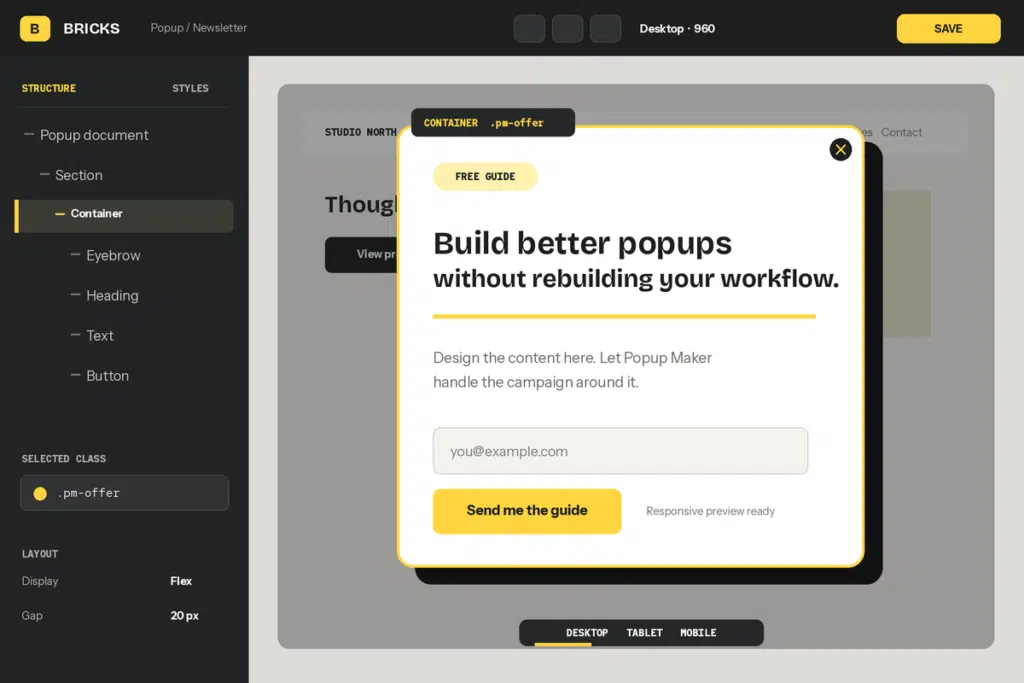
Use the breakpoint control in the Bricks toolbar to adjust the popup document at the breakpoints your site uses. Then test the frontend popup at its real width, because the popup frame and the browser viewport both affect the available space.
How is this different from Bricks' own Popup Builder?
Bricks’ Popup Builder is a strong fit when you want templates, conditions, interactions, and popup limits managed entirely in Bricks. Use this integration when Popup Maker is already your campaign system and you want to keep its popup themes, triggers, targeting, cookies, and available reporting while Bricks owns the content design.
Can I use a Bricks Form inside a Popup Maker popup?
A Bricks Form can be part of the Bricks document, but rendering the form does not prove every submission action. Test the Bricks submission plus each Popup Maker close, cookie, trigger, or conversion behavior you plan to use.
Will every Bricks element or third-party add-on work in the popup?
Core Bricks content, styles, and tested interactive elements are supported, but complex dynamic content and add-ons can load their own assets or depend on page context. Test each important interaction on the final page before launch.